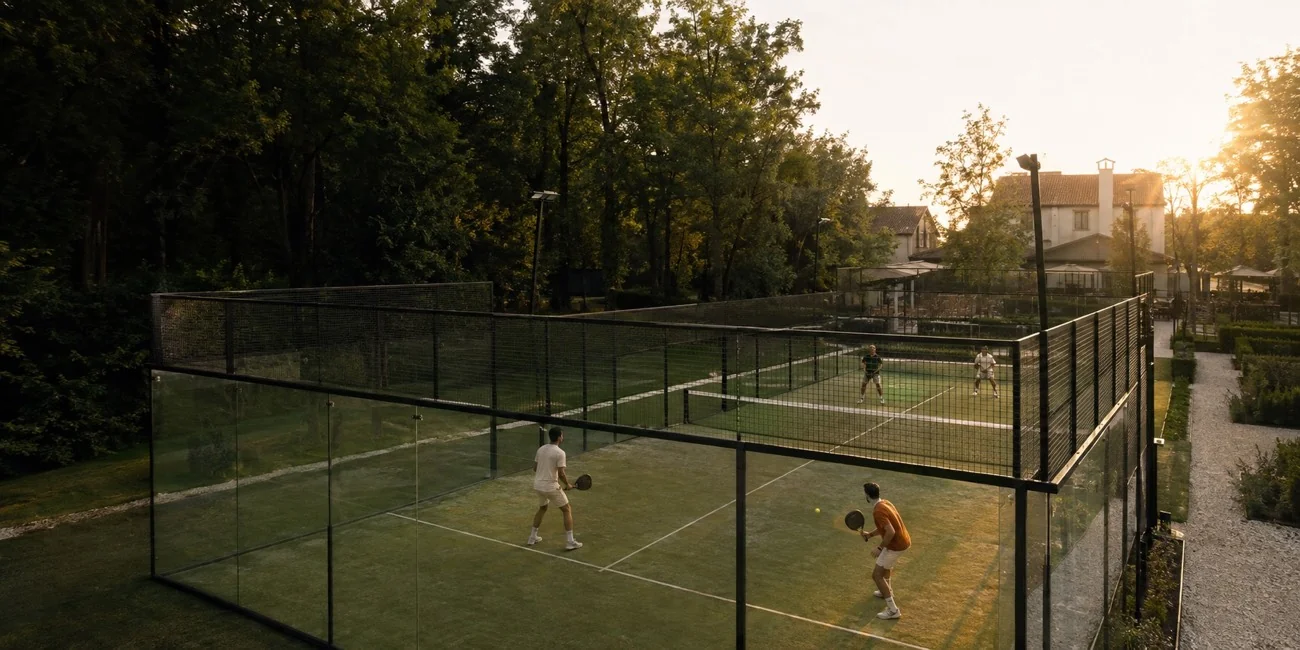
01 / From the court to the replay
Set up courtside.
Play your match.
An iPhone app, a steady mount, and a match worth keeping. Get everything ready before the first serve.
- 01
Mount both phones.
Place the two camera iPhones in the mount and position your tripod courtside.
- 02
Connect. Then record.
Use the app on a third iPhone to connect the cameras and start both recordings.
- 03
Bring the match together.
Upload the footage for one panoramic replay. Share it with your partner or coach.
02 / See the difference
Same rally.
A clearer view.
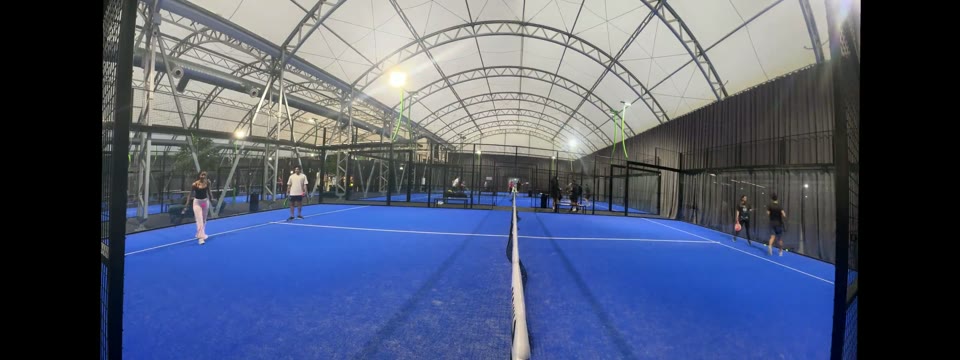
Two camera views, brought together. See how your match becomes one continuous replay.
Real match footage. Both halves, one replay.
Drag to compare
03 / Your courtside companion
Designed around the way you play.The SyncShot mount
Two angles.
One setup.
A place for both cameras. A clear view of the court. Set your iPhones up together and get back to the game.
See where it sits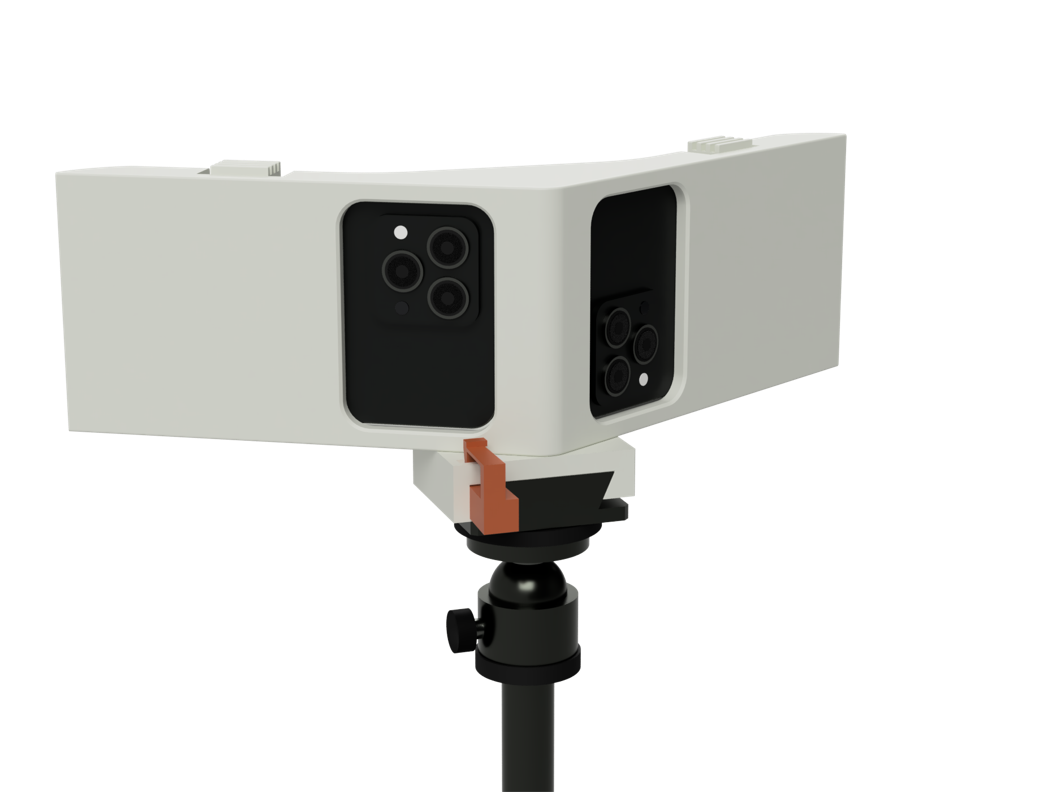
- Both angles, held together.
- Two camera phones sit side by side in the angled cradles.
- Ready for your tripod.
- A dedicated adapter and locking tab connect the mount to your setup.
- Connected through the app.
- Run the session from a third iPhone and start both cameras together.
The SyncShot iPhone app
Start together.
Stay in the game.
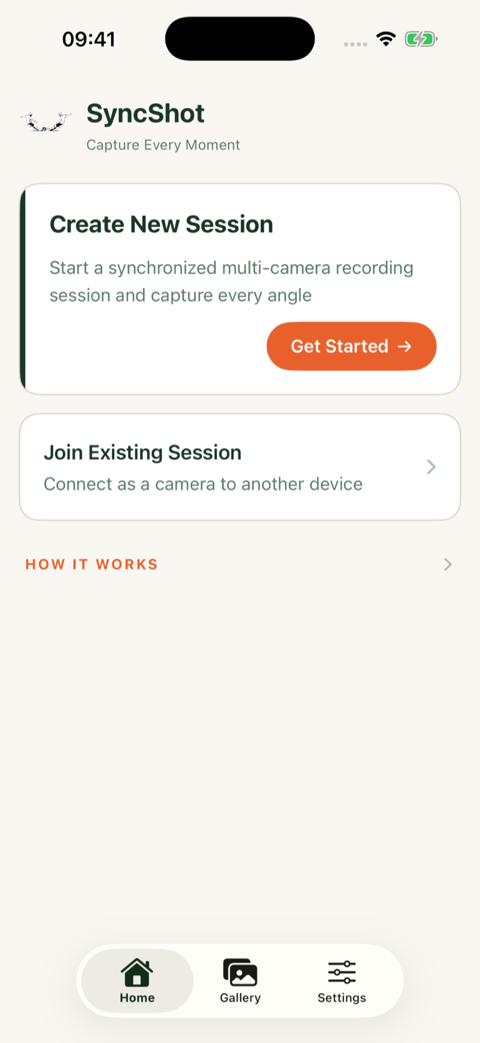
Your controller keeps the cameras in sync. Create a session, connect both iPhones, then start recording from one place.
- Create your session.
- Join from both camera phones.
- Start both recordings.
04 / Find your angle
Beside the net.
Across the court.
Set the mount just outside the side entrance, in line with the net. Aim one camera toward each half, then check both previews before you play.
05 / Your padel, together
A home for
every match.
Keep matches and practice sessions organised. Bring your partner into the replay, or give your coach a view of the whole court.
Sunday doubles
Match · Full-court replay
Practice with your partner
Practice · Full-court replay
Before your next match
A few things
to know.
What do I need to record?
Three iPhones running SyncShot: two act as cameras and the third controls the session. The camera phones sit in the mount on your tripod.
What do I upload?
The two camera files from your padel match. SyncShot brings them together into one panoramic replay.
Can I share the match with my coach?
Yes. Share the replay with a link so your coach or playing partner can watch the match.
Can I keep practice sessions too?
Yes. Keep practice sessions alongside your matches so they are easy to find and review.
For your next time on court